Manager's Guide to Expenses Approval on the Web and Mobile App
 Updated
After an employee submits a report for approval, the approver receives an email to review the expenses. The manager can then either approve or reject the expenses.
In this article, we will guide you through the approval steps on both the web and the mobile app.
- On the web:
When connecting to their accounts, the approvers find a message informing them of the presence of reports that need to be reviewed.
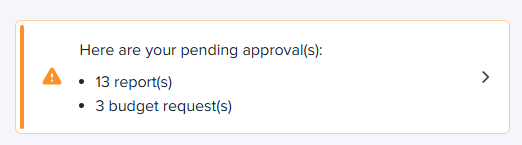
The manager will then:
- Click on the message shown above or go to the Manager tab.
- Select the report to review. Here, the manager has the choice between seeing the expenses assigned to this report or approving/rejecting the entire report in just one click.
- Click on the Approve or Reject buttons.
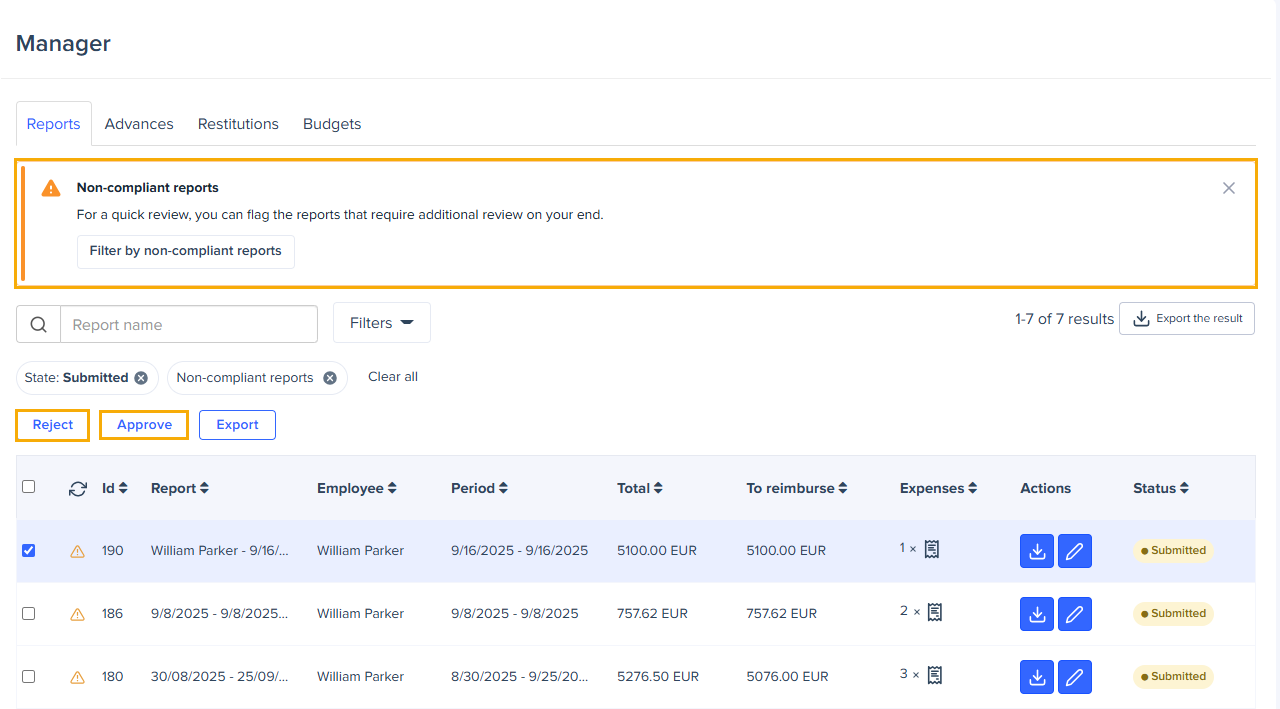
A non-compliant report is an expense report that contains at least one expense triggering an alert that requires manual review and activates the report-level alert banner, meaning only alerts indicating financial risk, inconsistency, fraud suspicion, or data modification requiring validation will classify the report as non-compliant.
Please refer to the alert matrix to identify which alerts trigger a non-compliant report.
Alert Type | Trigger Report-Level Banner |
Ceiling rule (reimbursement limit) | ❌ No |
Flat rule (fixed reimbursement) | ❌ No |
Key info rule (informative) | ❌ No |
Extra paid amount exception | ✅ Yes |
Invoice value > OCR value | ✅ Yes |
Exchange rate updated | ✅ Yes |
Mileage distance updated | ✅ Yes |
Duplicated invoice | ✅ Yes |
OCR mismatch (value / currency / date) | ✅ Yes |
Bad image quality | ✅ Yes |
Scanned document does not match invoice / Receipt requeriment | ✅ Yes |
AI Genarated receipt | ✅ Yes |
Cross-guest duplication | ✅ Yes |
- On the mobile app:
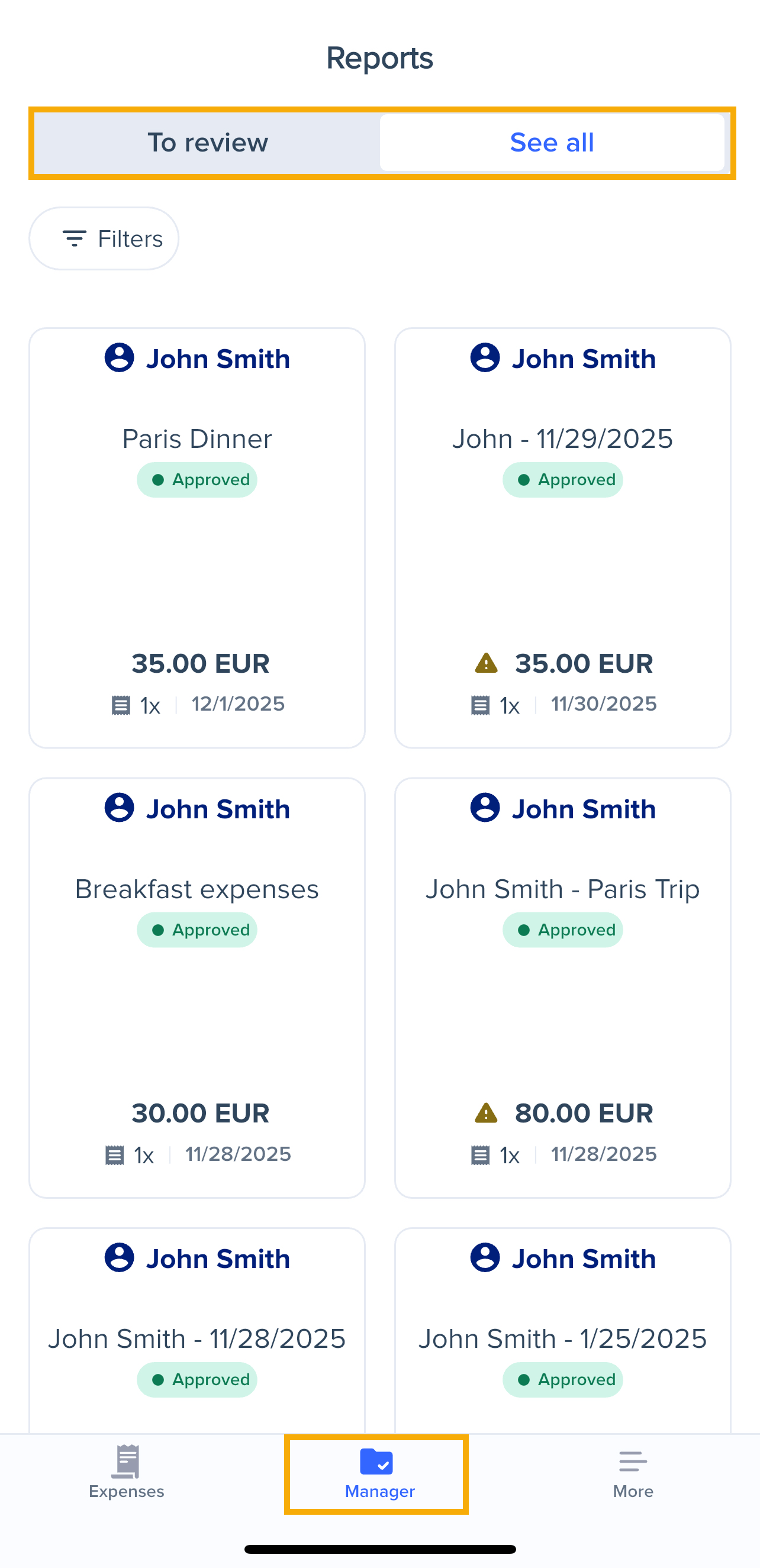
The manager can also review the expenses through the mobile app following these steps:
- Go to the Manager tab.
- Select the report to review.
- Click on Approve or Reject.
Just like the Expensya web application, the status of the report will automatically change, and the submitter will be notified of this update via email.